


Key takeaways
- MSP PSA tools and RMM software serve different but complementary roles: PSA handles business operations while RMM manages endpoints
- Aligning your PSA with your helpdesk workflow directly improves response times and SLA compliance
- ConnectWise, Datto, and Kaseya each fit different MSP profiles depending on size and operational maturity
- Training technicians on tool usage through role-based SOPs is the fastest path to scaling efficiently
- Tool overload without process clarity is the number one reason MSPs underperform
Most managed service providers own the right tools but they just never finish configuring them. Thus, MSP PSA tools sit half-implemented, RMM alerts flood dashboards nobody watches, and technicians build workarounds instead of following workflows. The gap between purchasing software and actually operationalizing it costs MSPs thousands in missed billable hours every quarter.
That gap is exactly what this guide addresses. You won’t find a surface-level feature list here. Instead, you’ll get a practical framework for aligning your PSA and RMM platforms, choosing the right ecosystem for your growth stage, and building training systems that get new technicians productive in days rather than months.
What are MSP PSA tools and RMM software?
MSP PSA tools and RMM tools form the single operational command center where your entire MSP operation is controlled, monitored, and executed. Your PSA defines how your MSP should operate, while your RMM executes the technical work.
PSA: Professional Services Automation
- An MSP PSA tool is the system that runs your day-to-day business decisions automatically and consistently, setting out how work should happen.
- It manages ticket flow from capturing every client request, assigning it, and tracking it through resolution. It connects service delivery to revenue by automating billing and invoicing based on actual work performed.
- Without a well-configured PSA, you end up with technicians logging time in spreadsheets, invoices that don’t match actual labor, and SLA breaches nobody catches until a client complains.
- Core capabilities include ticket management and SLA monitoring, billing and invoicing, client communication tracking, and project management.
RMM: Remote Monitoring and Management
- RMM software monitors client environments, flags issues in real time, and performs fixes before they escalate.
- It reduces the number of problems your helpdesk ever sees. It gives MSPs visibility into client endpoints through continuous monitoring, automated alerts and patching, device management at scale, and proactive issue resolution.
- The real power of RMM is automation: proactive patching catches problems before they become tickets. But only when your RMM is connected to your ticket queue.
Why PSA + RMM alignment matters for your MSP
When your PSA and RMM work together, alerts automatically generate tickets. Your team doesn’t waste time manually logging issues. Visibility improves because every alert/ticket lives in a connected system. And as automation kicks in, you see faster resolution.
Running PSA and RMM as disconnected systems creates a bottleneck that undermines both tools. Here’s what that looks like:
- When an RMM alert fires but doesn’t auto-generate a ticket, a technician has to manually check the dashboard, copy details into the PSA, assign it, and set prioritization. That process adds five to ten minutes per incident, and it guarantees some alerts get missed entirely.
- Tight integration eliminates that manual handoff. Then, RMM alerts flow directly into PSA ticket queues with pre-assigned categories, priorities, and SLA timers already running. This improves visibility across your team, reduces response times, and ensures nothing slips through the cracks during busy periods.
Not sure if your PSA and RMM tools are working together efficiently? LTVplus can help audit and optimize your MSP toolstack so your tools actually work as a system.
ConnectWise vs Datto vs Kaseya: Which platform anchors your MSP tool stack?
The “best” platform depends on where your MSP is today and where you’re headed in 12 months. ConnectWise, Datto, and Kaseya are the three most recognized names in the MSP industry for PSA and RMM tools, dominating market share. Each of these three ecosystems has clear strengths, genuine weaknesses, and a specific MSP profile it serves best. Here’s an honest breakdown.
ConnectWise: The customization powerhouse
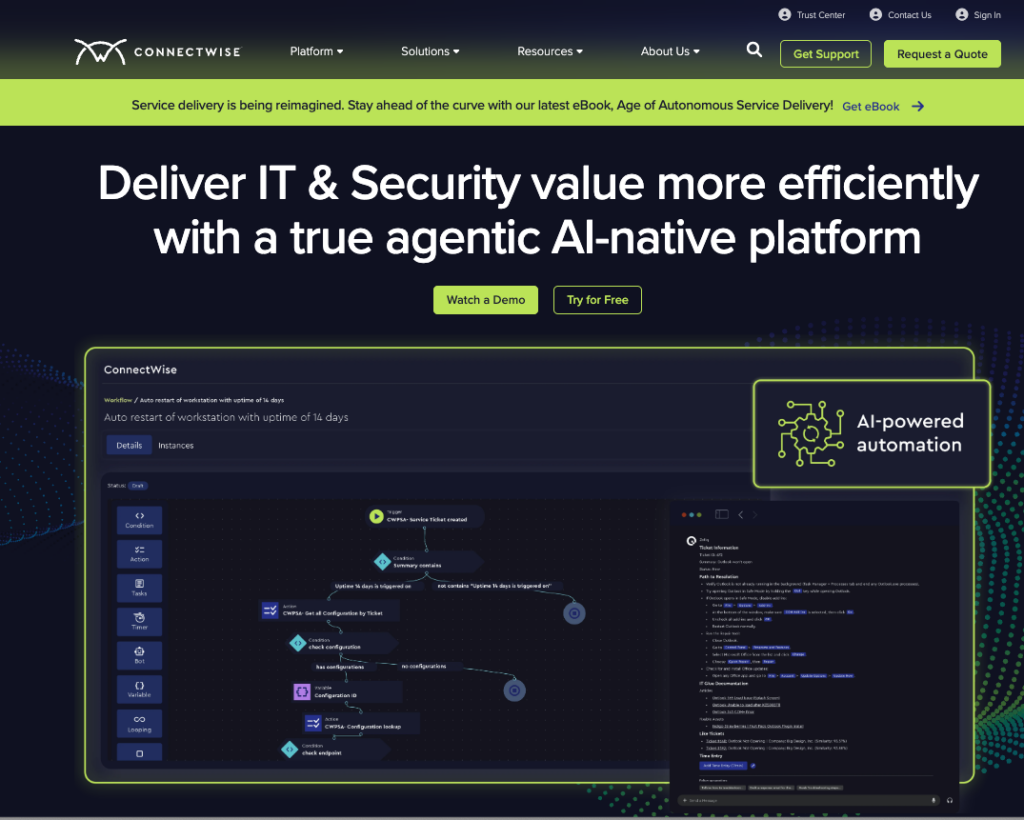
Overview: Built for control and customization, this is best for MSPs that want to design their own workflows, integrations, and service structure.
ConnectWise is an AI-native platform built for MSPs that want full control over their workflows, integrations, and service structure. It is a widely adopted PSA/RMM ecosystem in the MSP space, combining mature ticketing, billing, remote access, and endpoint monitoring into one deeply customizable platform.
Core features
- AI-driven PSA (ConnectWise Manage): Handles ticketing, project management, sales pipeline, billing, and CRM in one console.
- Monitoring & Alerting (ConnectWise RMM): Continuously monitors endpoints and generates alerts based on configured thresholds, conditions, and events.
- ScreenConnect (ConnectWise Control): Built-in remote access tool for instant technician support without switching platforms.
Pros
- Deep customization and scripting capability allows users to automate almost any workflow
- Comprehensive single-pane solution that reduces tool sprawl
- Rich third-party ecosystem with 300+ marketplace integrations
Cons
- Steep learning curve. Thus, poorly configured instances create more operational chaos than they solve
- Setup overhead can be disproportionate for smaller MSPs (under five technicians)
Best For: Mid-size and growing MSPs with complex billing models, multi-tier service delivery, and teams that have the bandwidth to configure and maintain advanced workflows.
Datto: Simplicity meets backup strength
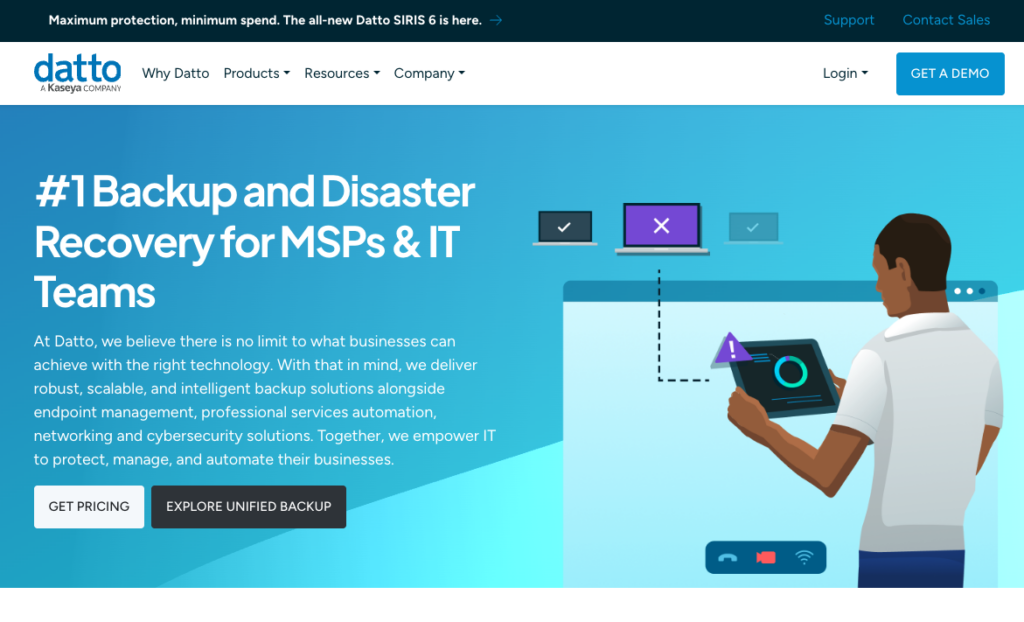
Overview: Strong in backup, continuity, and straightforward RMM, Datto is a solid choice if you want stability without heavy configuration.
Datto is built for MSPs that prioritize security, stability, and straightforward service delivery without heavy platform configuration. It is best known for its Business Continuity and Disaster Recovery (BCDR) capabilities, which are natively integrated into its RMM and PSA, something competitors require third-party tools to match.
Core features
- Autotask PSA: Centralizes service desk operations, ticketing, billing, reporting, and workflows into a single platform.
- Datto RMM: A cloud-native platform for remote monitoring, endpoint management, and automation with a clean, intuitive interface.
- Unified backup ecosystem: Integrates multiple backup and recovery products under one management framework with built-in ransomware monitoring.
Pros
- Most intuitive interface of the three so it provides the fastest onboarding for new technicians
- Native BCDR integration that competitors cannot match without add-ons
- Powerful alert automation that streamlines routine monitoring tasks
Cons
- RMM scripting engine and automation depth are more limited compared to ConnectWise Automate or Kaseya VSA
- MSPs that rely heavily on custom scripting will hit Datto’s ceiling faster as they scale
- While competitive, costs can climb with large license counts or add-ons
Best For: MSPs focused on stable, secure service delivery, especially those where disaster recovery and business continuity are core service offerings.
Kaseya: The all-in-one automation play
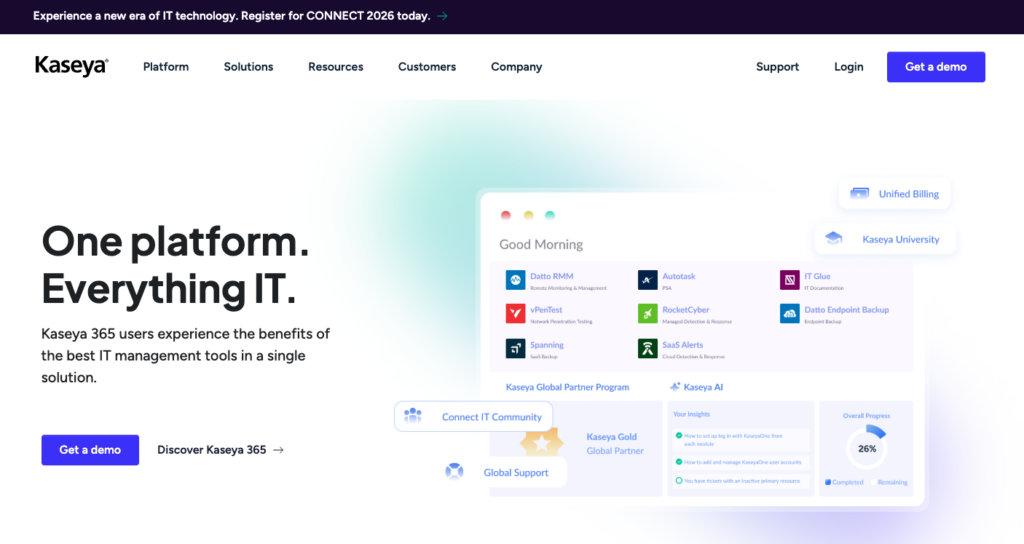
Overview: An all-in-one ecosystem that brings PSA, RMM, and security into a single platform.
Kaseya positions itself as the all-in-one MSP operating system, bringing PSA, RMM, security, backup, and compliance into a single platform. Its IT Complete bundle makes it an attractive option for MSPs that want to consolidate their tools under one vendor and one pricing model. It’s important to note that Kaseya has acquired Datto, which significantly expands their capabilities and reach.
Core features
- Kaseya BMS (PSA): Unifies IT service delivery, documentation, billing, and reporting with AI-driven workflows and automation.
- Kaseya VSA (RMM): Centralizes monitoring, patching, security, and remote endpoint management with real-time alerts and automation.
- IT Risk Management: Scans environments, identifies vulnerabilities, enforces compliance, and prioritizes risk remediation through automated reporting.
Pros
- Integrated toolset eliminates data silos across PSA, RMM, backup, and security
- Strong built-in automation for compliance scanning, patching, and risk prioritization
- Aggressive bundled pricing through IT Complete reduces per-tool costs
Cons
- Significant ecosystem lock-in as the platform works best when you commit to multiple Kaseya products, and migrating away is painful
- Individual modules can feel less polished than best-in-class standalone alternatives
- Requires extensive onboarding and configuration before the platform delivers full value
Best For: MSPs that want a single-vendor stack and are ready to fully commit to the Kaseya ecosystem, particularly those looking to simplify tool sprawl and standardize operations across their entire practice.
Side-by-side comparison of MSP PSA tools: ConnectWise vs Datto vs Kaseya
| Feature | ConnectWise | Datto | Kaseya |
| Customization Depth | Very High | Moderate | High |
| Ease of Use | Steep learning curve | Most intuitive | Moderate |
| Automation | Advanced scripting | Basic to moderate | Strong built-in |
| Backup/DR Integration | Third-party required | Native (strongest) | Native (IT Complete) |
| Integration Ecosystem | 300+ marketplace | Growing | Best within Kaseya suite |
| Best For | Mid-size MSPs needing flexibility | MSPs prioritizing DR and simplicity | MSPs wanting a single-vendor stack |
| Lock-in Risk | Low to moderate | Low | High |
Our honest recommendation: If you’re a growing MSP between 5 and 20 technicians, start by matching the platform to your primary service offering. Backup-heavy? Datto. Automation-heavy? ConnectWise or Kaseya. Don’t pick based on features you might use someday.
How to align your PSA with your helpdesk workflow
Alignment starts with clarity. Knowing how to align your PSA with your helpdesk workflow ensures tickets move efficiently and your team works within a structured, scalable system. Work flows the way it should.
1. Map your ticket lifecycle end to end
Most ticket delays don’t happen during the fix. They happen before a technician even picks it up. That’s why mapping your ticket lifecycle matters.
- Break down every stage. Before you touch any configuration settings, document how a ticket actually moves through your organization today. Trace the path from creation through assignment, escalation, resolution, and closure. Identify where delays cluster.
- Most MSPs discover their biggest bottleneck isn’t tool capability. It’s the handoff between Tier 1 triage and Tier 2 assignment.
- A simple flowchart works for this. You don’t need a process mapping tool. Sticky notes on a whiteboard reveal more gaps than any software audit.
2. Standardize ticket categories and priorities
Once your flow is clear, the next step is consistency. Define how tickets should be labeled, prioritized, and handled.
- What counts as high priority?
- Which ones qualify as low impact?
- What SLA applies to each category?
Inconsistent tagging is the silent killer of helpdesk efficiency:
- When one technician labels a ticket “Network Issue” and another labels the same problem “Connectivity,” your reporting becomes useless and SLA tracking breaks down.
- So define a flat, limited set of categories (ideally under 15) and tie each to a specific SLA tier.
- Priority levels should map directly to response and resolution time commitments in your contracts. If “Critical” means different things to different technicians, your MSP SLA management is already compromised.
3. Automate ticket creation from RMM alerts
In plain MSP terms, small time savings in your workflow add up across every ticket and every technician. So yes, manual ticket creation is where efficiency dies:
- Configure your RMM to automatically generate PSA tickets when specific alert thresholds trigger. A disk space warning at 90% capacity should create a low-priority ticket. A server offline alert should create a critical ticket with an SLA timer already counting down.
- The key is filtering. Not every RMM alert deserves a ticket. Noisy alerts that auto-generate tickets will overwhelm your queue and train technicians to ignore them. Spend time tuning alert thresholds before enabling auto-ticketing.
If your team is manually juggling tickets and alerts, LTVplus can streamline your PSA-RMM workflow for better efficiency.
4. Integrate communication channels into one system
Client emails, chat messages, phone notes, and RMM alerts should all feed into your PSA. When communication lives outside the ticket system, context gets lost, updates get missed, and clients repeat themselves. Centralizing interactions into the PSA ensures every technician who touches a ticket sees the full history.
If your team is manually juggling tickets and alerts across disconnected systems, LTVplus can provide managed customer support that streamlines your PSA-RMM workflow for better efficiency.
How to train technicians on PSA and RMM tools quickly
Training quickly matters because the speed of onboarding controls your ability to scale without breaking operations.
Consolidate what every MSP technician needs to know
Every technician needs to be confident in the core actions that keep your MSP running day to day. Knowing how work moves through your system.
- That starts with the PSA. Technicians should know how to navigate the dashboard quickly, understand where tickets live, and update them in a way that keeps status, priority, and ownership accurate. Then there’s execution. Closing a ticket also means documenting what was done and confirming resolution steps.
- On the RMM side, technicians need to know how to respond to alerts in real time. That means recognizing what requires immediate action, what can be automated, and what should be escalated.
Build a repeatable training system
Ad hoc training (sitting a new hire next to a senior tech and hoping knowledge transfers) doesn’t scale. Build a structured onboarding system with three components.
- Written SOPs and playbooks covering every common ticket type, from password resets to server reboots. Keep these in your documentation platform, not buried in email threads.
- Recorded walkthroughs of real PSA and RMM workflows. Screen recordings of actual ticket handling are more useful than polished training videos because they show real-world messiness.
- Shadowing sessions where new technicians observe live ticket handling for three to five days before taking ownership. This builds context that documentation alone can’t provide.
Use role-based training tiers
Not every technician needs the same depth of knowledge:
- For Tier 1 technicians, the focus should be speed and structure. They need to know how to handle incoming tickets, follow your PSA workflow correctly, respond to basic RMM alerts, and escalate issues without breaking the flow of information.
- For Tier 2 and above, technicians work closer to the RMM layer. Focus is on diagnosing root causes, executing advanced fixes, and improving system-level automation.
Training everyone on everything wastes time and overwhelms junior staff. Match training depth to role requirements, and promote upward as skills develop.
Need technicians already trained in ConnectWise, Datto, or Kaseya? LTVplus provides ready-to-deploy MSP support teams with tool-native experience that eliminates your onboarding bottleneck.
Common MSP toolstack mistakes (and how to fix them)
Overcomplicating the toolstack
More tools don’t necessarily mean better operations. In fact, overcomplication usually happens when MSPs try to “optimize” by adding more tools versus refining existing ones. You end up paying for three tools that each handle 30% of the same functionality, with none fully configured.
What to do: Audit your stack quarterly and ask a hard question: does this tool solve a problem that no other tool in our stack already handles? If two tools overlap significantly, pick one and commit. Half-adopted tools are worse than no tool at all.
Poor documentation practices
Inconsistent ticket notes are one of the most common complaints from MSP operations managers. When technicians write vague updates like “fixed the issue” without specifying what the issue was or what they changed, the next technician to touch that client starts from zero.
What to do: Enforce a documentation standard: every ticket note should include what was observed, what was done, and what still needs attention.
Underutilizing automation
According to Persistence Market Research, the PSA software market is forecast to reach $15 billion by 2026, driven largely by demand for automation capabilities. Yet many MSPs still rely on manual workflows for tasks that should be fully automated: ticket routing, patch deployment, status updates, and even client notifications.
What to do: Start small. Automate your three most repetitive workflows first, measure the time saved, and expand from there. Market Reports World projects the RMM software market will expand from $3.06 million to $7.66 million by 2026, reflecting how central automation is becoming to MSP operations.
Expert perspective: How high-performing MSPs use PSA and RMM
Pro Tip: The best MSPs don’t just “use” PSA and RMM tools. They build workflows around them. Automation rules, standardized ticketing, and tight integrations are what separate scalable MSPs from reactive ones. If your technicians are navigating around the tool instead of through it, the tool isn’t the problem. Your configuration is.
High-performing MSPs share three operational habits that set them apart from the rest of the market.
- They focus on workflow before features. Instead of chasing the latest integration or add-on, they optimize existing processes. A fully configured basic workflow outperforms a half-implemented advanced one every time. CompTIA’s IT Industry Outlook 2025 argues that organizations must fix workflow misalignment and design integrated processes so that tools serve a coherent system rather than creating fragmented complexity.
- They audit continuously. According to Hubspot’s 2024 State of Service survey, 82% of customers expect immediate problem resolution. Thus, it’s important to conduct quarterly reviews of ticket routing rules, automation triggers, and SLA compliance metrics reveal drift before it becomes a crisis. Tools degrade over time as team members create workarounds. Regular audits catch that decay.
- They align tools with business goals, not technical preferences. The decision to add or remove a tool from the stack should be driven by its impact on billable utilization, client satisfaction, or technician efficiency. Not by whether the senior tech likes the interface. Similar principles apply across service desk operations in SaaS environments, where workflow alignment directly impacts retention.
Why MSPs trust LTVplus for tool-ready support teams
LTVplus is a global leader in outsourced customer experience for eCommerce brands and MSPs. Rather than providing generic support agents who need weeks of onboarding, LTVplus builds remote teams that seamlessly integrate with your company and tools.
For MSPs specifically, this means technicians who already know their way around ConnectWise, Datto, and Kaseya before day one.
Forget spending weeks training new hires on PSA and RMM systems. You get support teams already experienced with MSP toolstacks like ConnectWise, Datto, and Kaseya. Because when it comes to managing PSA and RMM tools efficiently, LTVplus stands out as a partner that provides trained technicians ready to plug into your workflow.
Book a call with LTVplus to build a tool-ready MSP support team.
FAQ
What are the best PSA and RMM tools for MSPs?
The best PSA and RMM tools for MSPs depend on how well they fit your existing processes and growth goals. Among the most widely used platforms are ConnectWise, Datto, and Kaseya, each offering different strengths. ConnectWise excels in customization, Datto in backup and simplicity, and Kaseya in all-in-one ecosystem integration. The best choice depends on your service offering and growth stage.
How do PSA and RMM tools work together?
PSA and RMM tools work together by turning system alerts into structured, trackable work. Your RMM detects issues and generates alerts, while your PSA converts those alerts into tickets, assigns them, and tracks them through resolution.
How can I train MSP technicians faster?
You can train MSP technicians faster by using SOPs, recorded walkthroughs, and hands-on practice inside your PSA and RMM so technicians learn how work actually flows.
What should MSP technicians know about RMM software?
MSP technicians should understand how to interpret alerts, prioritize issues, execute remediation steps using RMM tools, and how to escalate without losing ticket context.
How do I align PSA tools with my helpdesk workflow?
You align your PSA tools with your helpdesk workflow by mapping your ticket lifecycle, standardizing categories and priorities, and automating how tickets are created and routed.